
Logo inlay router template from SVG
Upload your logo as an SVG or DXF. InlayForge offsets it for your guide bushing and marks the corners and bridges the bushing cannot follow.
SVG or DXF upload · bridge check under 6.35 mm (1/4 in) · 3MF in PLA
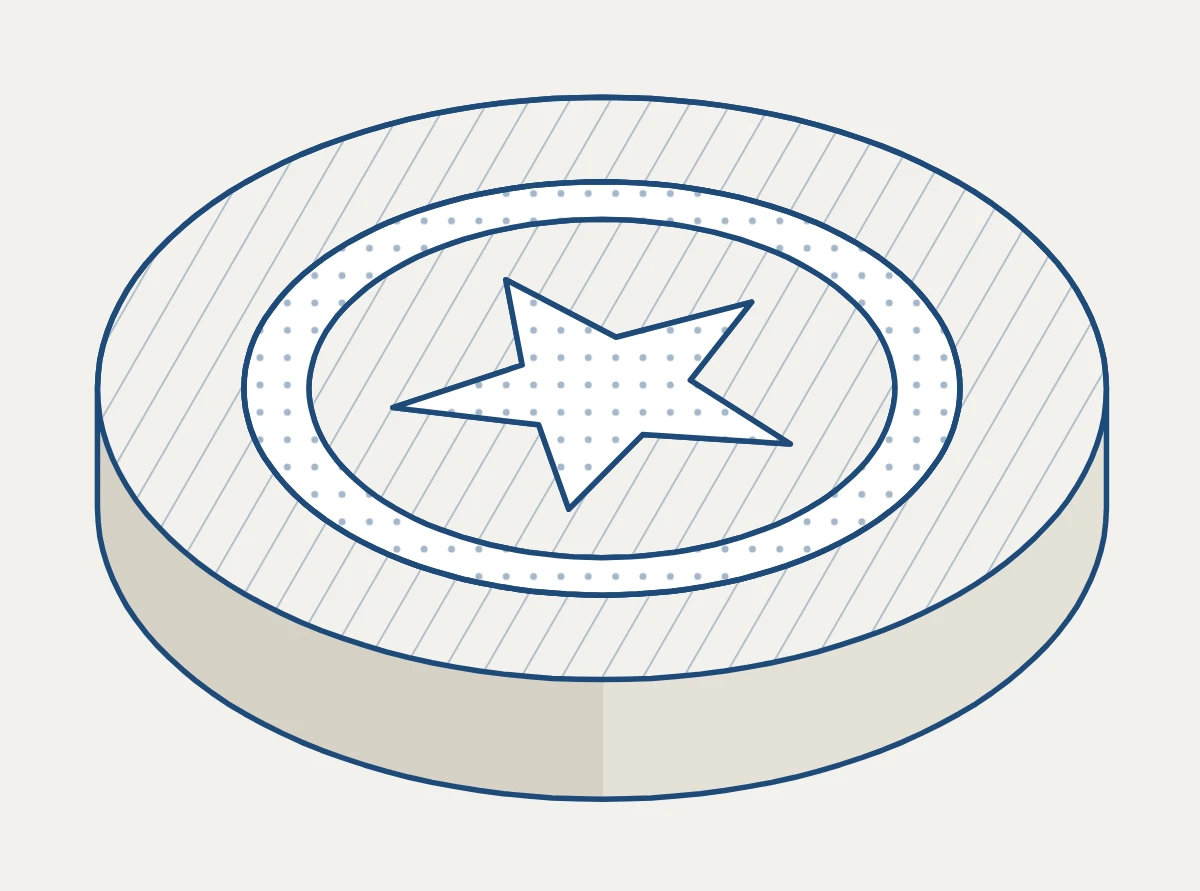
Upload your logo as an SVG or DXF
A logo on a sign, a box lid or a tabletop looks good in an inlay, but routing it by hand is not possible. The shape has to come from a template, and the template has to be offset for your guide bushing.
Upload a drawing as an SVG or a DXF in the generator. Use a clean, single-color outline. Pick your bushing and bit, and InlayForge offsets the contour and exports a print-ready 3MF for Bambu Studio, PrusaSlicer or OrcaSlicer. Print it in PLA.
Bridges and tight corners in a logo
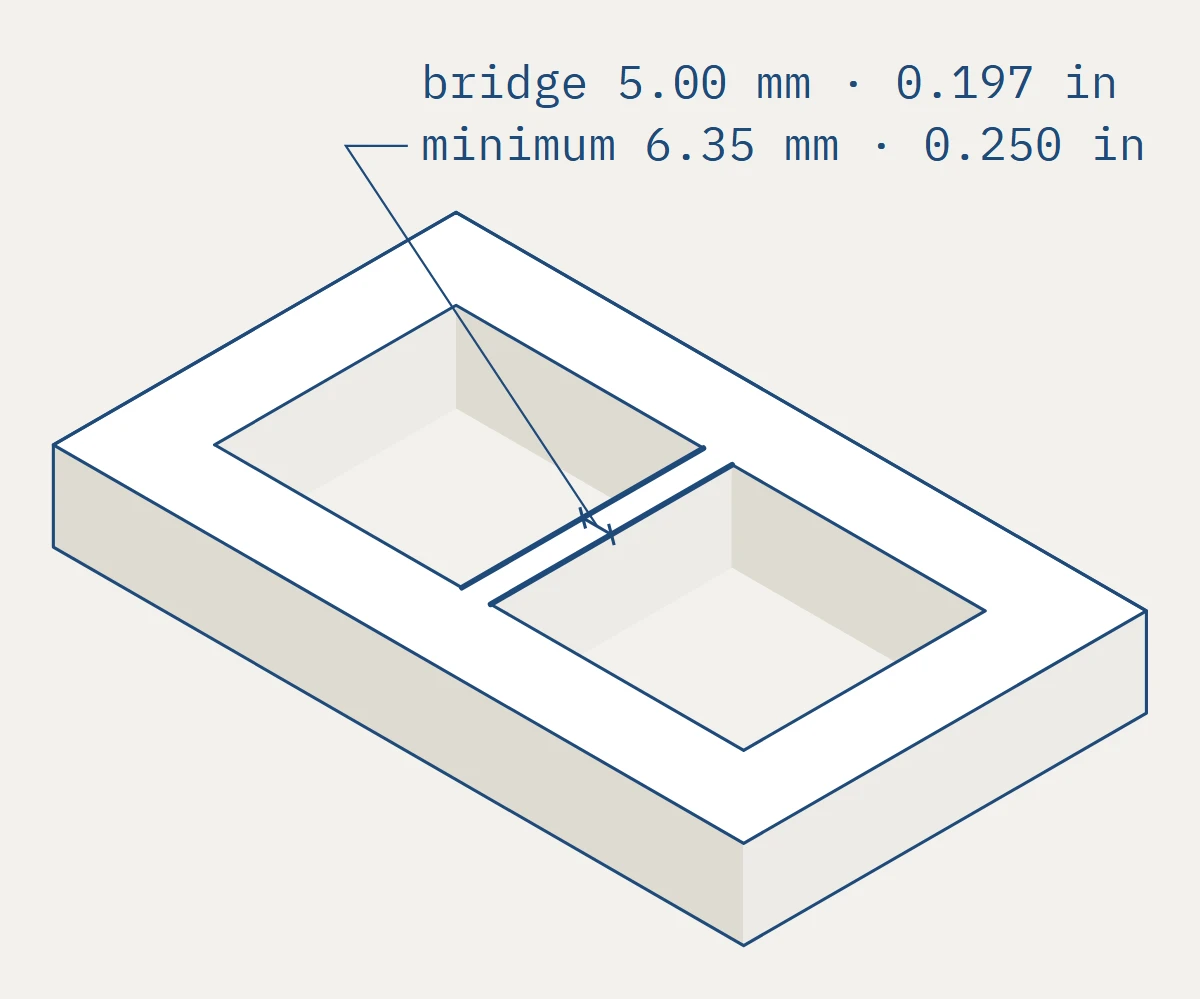
Logos are drawn for screens, not for a round bushing. Two things go wrong. A bridge is a thin strip of template material between two openings, and one narrower than 6.35 mm (1/4 in) is too weak to print and use. A corner that is tighter than the bushing can follow will be routed rounder than the drawing.
The generator flags both before you download. Bridges narrower than 6.35 mm (1/4 in) and corners tighter than the bushing are marked on the preview. To fix them, make the logo bigger, simplify the thin parts, or use a smaller bushing or bit. The guide bushing offset calculator shows how much each choice changes the offset.
The pocket and the insert
An inlay has two parts: a pocket in the base and an insert that fills it. The pocket comes from a template in hole mode, and the insert comes from a template in piece mode. You need both, or a kit that makes both from one drawing; see inlay kit templates.
- Upload your SVG or DXF and check the preview for flagged bridges and corners.
- Choose your guide bushing and bit. Pick hole mode for the pocket template, then make a second template in piece mode for the insert.
- Download the 3MF and print it in PLA. Clamp the template to the base, set the depth on the router and route the pocket.
- Route the insert from your contrasting wood with the piece-mode template, then glue it into the pocket.
Your own shapes: free and paid
The offset SVG for your own shape is free. The 3MF for your own drawing is paid: $5.99 a template, or $17.99 for five. The paid template has no InlayForge mark.
If a logo is bigger than your printer bed, a paid template can split into tiles that join with dovetails; see large router templates.
Questions about logo inlay template
Which file types can I upload?
You can upload an SVG or a DXF. Use a clean outline with closed shapes.
What does the bridge warning mean?
A bridge is a thin strip of template material between two openings. The generator flags bridges narrower than 6.35 mm (1/4 in), because they are too weak. Make the logo larger or simplify it.
Why are some corners marked?
The guide bushing is round and cannot follow a corner that is tighter than itself. Marked corners will come out rounder than the drawing. A bigger logo or a smaller bushing helps.
Do I need two templates for an inlay?
Yes. The pocket needs a hole-mode template and the insert needs a piece-mode template. An inlay kit makes both from one drawing.
Is a logo template free?
The offset SVG is free. The 3MF for your own shape is paid, at $5.99 a template or $17.99 for five.