
Router letter templates
Type a word, pick a font and set the height. InlayForge offsets the letters for your guide bushing and exports a print-ready 3MF.
Default height 40 mm (1.5 in) · fonts to pick from · 3MF, SVG or DXF
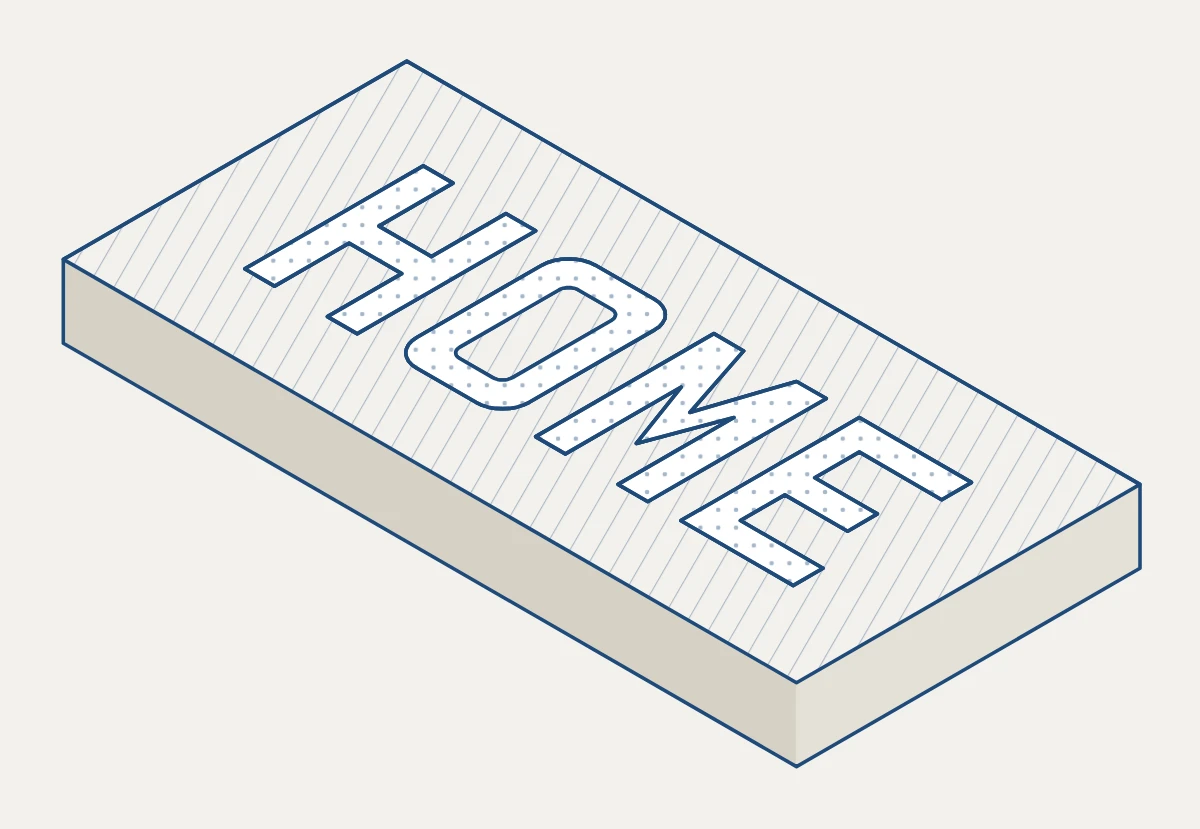
Type a word, get a template
Letters are one of the quickest things to inlay: a name on a box lid, a house number on a plaque, initials on a tool handle. The hard part by hand is the offset, because the router bit never cuts exactly where the template edge is. The guide bushing keeps a fixed distance from the bit, and every letter has to be drawn bigger or smaller by that distance.
InlayForge does that for you. Open the text tab, type a word, pick from a choice of fonts and set the height. The default height is 40 mm (1.5 in), and you can change it to suit the board. The letters are then offset for your guide bushing and bit and exported as a 3MF for Bambu Studio, PrusaSlicer or OrcaSlicer. You can also download a laser SVG or DXF.
Why small letters need a small bushing
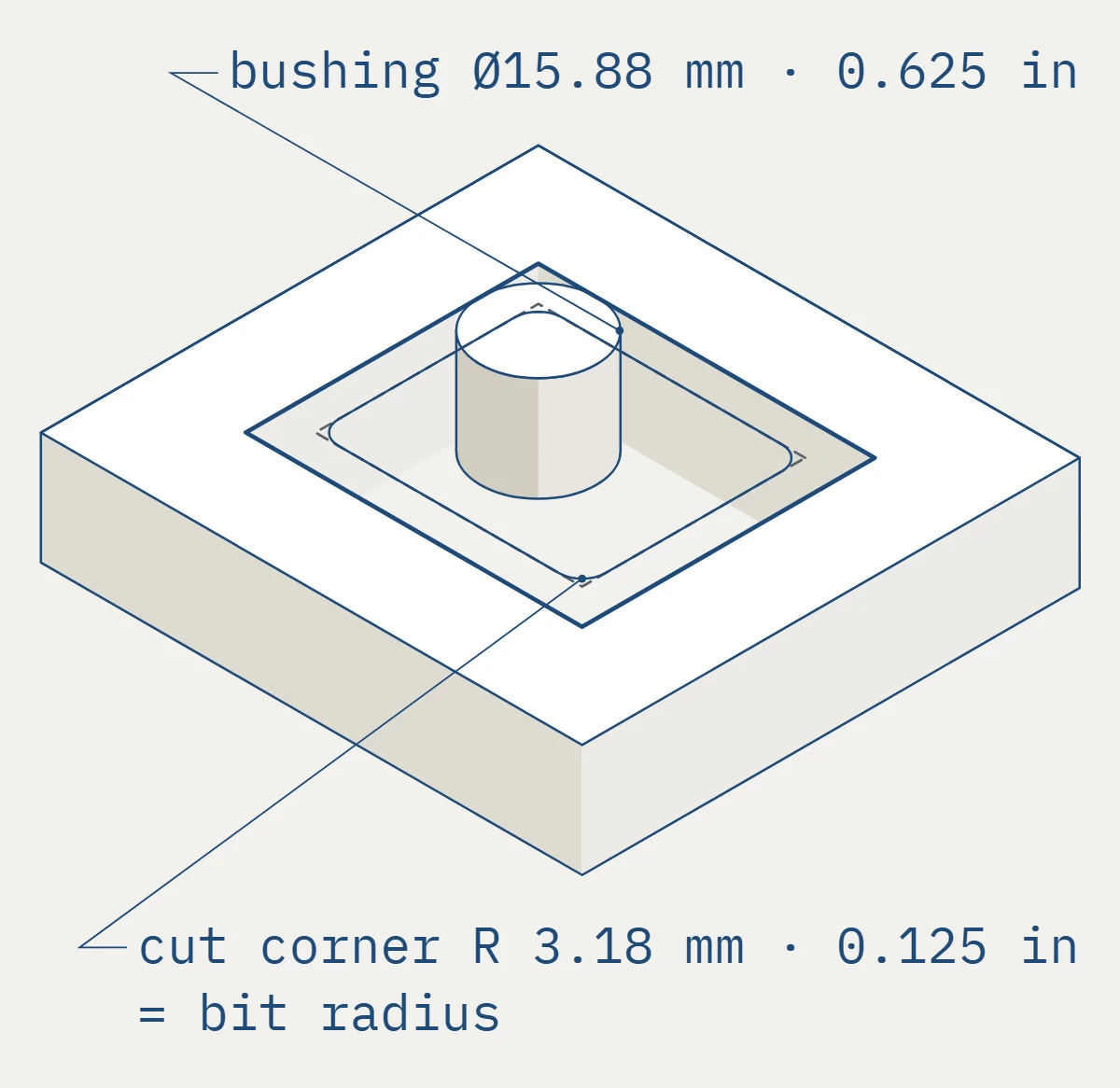
A guide bushing is round, so it cannot follow a shape that is narrower than itself. In letters this shows up in two places: the small counters, the enclosed spaces inside an e, a, o or 8, and the tight inside corners where strokes meet.
In hole mode the template is an opening and the bushing runs on its inside edge. A tight inside corner then has a radius the bushing cannot get into, so the routed corner ends up rounder than the drawing. In piece mode the bushing runs around the outside of a solid letter, and a small counter can be too narrow for it to enter at all.
Before you download, the generator marks the corners the bushing cannot reach, so you see the problem on screen and not after a failed print. Bigger text helps, and so does a smaller bushing or a smaller bit. The guide bushing offset calculator shows how much each choice changes the offset.
Routing letters as a sign or as an inlay
There are two ways to use letters. In hole mode you route recessed letters straight into the board, which gives you a carved sign. You can leave the recess as it is or fill it with paint or epoxy.
For an inlay in a contrasting wood you need two parts: a pocket in the board and the letters themselves. The pocket comes from the hole-mode template and the letters from the piece-mode template. A kit makes both from one drawing, and inlay kit templates covers those presets.
- Open the generator on the text tab and type your word. Pick a font and set the height.
- Choose your guide bushing and bit, or type the outside diameter by hand. Pick hole mode for the pocket or sign, piece mode for the letters.
- Check which corners the bushing cannot reach. Change the size or the bushing until none are left, then download the 3MF and print it in PLA.
- Clamp the template to the board, set the depth on the router and route. Try it on scrap wood first.
Sizes and what it costs
Short words fit on one plate. The 3MF for the built-in shapes is free up to 170 mm, with a small InlayForge mark outside the cut. A paid template ($5.99, or $17.99 for five) removes the mark and unlocks tiling.
A long name or a big house number can be wider than the bed. Paid templates then split into tiles that join with dovetails; see large router templates. Template thickness defaults from the spigot length of your bushing, and makers rarely publish it, so measure yours.
Questions about router letter templates
Can I use any font?
You can pick from a choice of fonts in the text tab. Thick, simple letters work best, because thin strokes and tiny counters are narrower than the guide bushing.
What are the corners the bushing cannot reach?
They are inside corners and small counters that are tighter than the bushing can follow. The generator marks them before printing so you can change the size, the bushing or the bit.
How tall can the letters be?
The default is 40 mm (1.5 in) and you can change it. A word that is wider than 170 mm needs a paid template, which splits into tiles.
Can I route letters as a sign?
Yes. In hole mode the router cuts recessed letters into the board. An inlay needs the pocket and the letters, so make both templates or use an inlay kit.
Which file do I print?
Print the 3MF in PLA. You can also download a laser SVG or DXF.